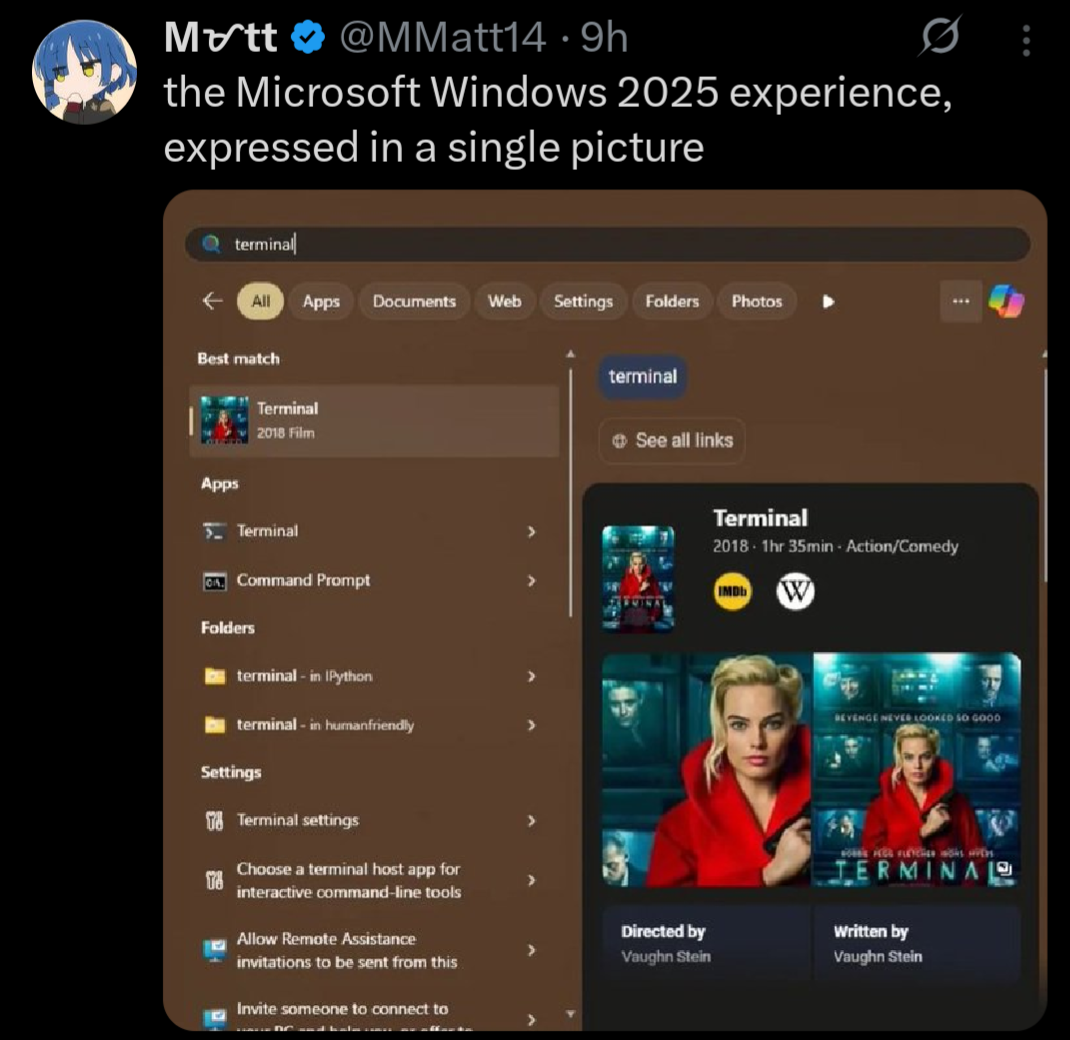
So, we moving to Linux?
I like debian, cause its old and boring like me.
How do you feel about Linux Mint Debian Edition?
Unrelated to that exact image but I’m gonna rant about other windows shit because I feel like it.
Windows decided my page file needed to be 80 GB. I do not want it to be 90 GB. I go to the start menu and search up “page file” to see if there’s a settings menu. First result is a random file in an application’s directory that can’t be opened/displayed by any program on my PC, then a list of other unrelated files.
So I open Control Panel, hoping to find it where I did before, and I click on
System. What do you know, that menu no longer exists, and redirects to Windows Settings. Where do I go from here? Maybe the giantInstalled RAMsection because the page file is just a (overly simplified) method of extending your memory to your disk? No, of course not, that menu’s not actually a menu, it’s just a stat counter.Instead, I have to go to Device Specifications, then the section titled
Related links, then clickAdvanced system settings. Oh whaddaya know? Now I’m in the settings menu that used to be behind the originalSystemoption in Control Panel!Now I’m in the Advanced tab of that menu. But where do I go from here? That’s right,
Performance Options, and then anotherAdvancedtab!!!Then I have to click the
Changebutton, where Windows has… conveniently enabledSystem managed sizeso it could choose to set my page file to 80 GB.I edit, it, hit
Ok, have to hitApplyin the other menu too, have to close out the no-longer-needed Settings and Control Panel windows that only served as a maze to get me here in the first place, and THEN I can restart my computer to reduce the size of the page file, even though it is currently not in use by any program, and all data is in RAM, and the file could reasonably be shrunk by the system at any time.After the restart, this process begins all over again, because this is my third attempt, and Windows automatically reverts back to managing the size itself, and sets it to 80 GB. I have 5 GB of storage space left on my disk.
I empathize with this slightly non-ideal situation.
But can you imagine how insane it would be if you were told to do something like copy/paste
swapoff /swap && truncate -s 8G /swap && swapon /swapinto a terminal? TEXT? Like a caveman? The horror! The heresy! How can anyone be expected to do something so complicated! This is entirely unreasonable UX and the reason why Linux is straight up unusable.Btw here’s 15 bazillion commands in a
.psto perhaps disable some of the ads in your start menu until the next time your computer reboots.I agree with the sentiment, and it would definitely make a lot of troubleshooting easier, but you do gotta remember that 99% of people are so non-technical they won’t read anything going into their terminal, or if they do, they won’t know what it means.
You could just as easily replace that with
sudo rm -rf /*and they’d run it just as quickly, and that’s my worry.IMO we should just have settings menus alongside commands for most things any normal user might have to encounter, since that’s just a more user-friendly interface in terms of preventing accidental bad command execution and also just letting people find things on their own without having to look up a command every time if they don’t want to learn a short book’s worth of terminal commands.
IMO we should just have settings menus alongside commands for most things
There are - PowerShell.
Changing the size:
$pagefileset = Get-WmiObject Win32_pagefilesetting
$pagefileset.InitialSize = 1024
$pagefileset.MaximumSize = 2048
$pagefileset.Put() | Out-Null
Disabling automatic sizing:
$pagefile = Get-WmiObject Win32_ComputerSystem -EnableAllPrivileges $pagefile.AutomaticManagedPagefile = $false $pagefile.put() | Out-Nullwe do, but better ones would be nice…
yeah this is why i want to never touch windows again
Hmm… Not sure how Linux’ terminal is any better than this, tbh.
Even ignoring all the wacky command names - you have a billion different commands, each doing everything in its own way.
PowerShell is uniform and standardised. This makes learning things super easy. Like, you can’t tell me that you don’t know what’s going on by just looking at the code I posted.
i meant on graphical versions like the settings app could be a lot better
command line/terminal depends on what youre used to and whatnot
It’s not that bad in the GUI as well, as long as you don’t try to angrily fight against change, like OP did.
Go to Settings -> System -> Advanced -> Advanced Settings. You’re already on the old-style dialogue known from the Control Panel days. Two more clicks and you’re in the spot where you can change the page file settings.
People love to shit on Settings, but that’s just weird dudes being angry at change. Control Panel was a chaotic mess. As a guy who worked as first line IT support at the time when Win10 came out, I could not be happier when Settings happened. Everything had a super neat, super easy to follow “route” I could describe to the user over the phone. No need to start describing the difference between the side-bar links, and tabs, and having to click “OK” six times to ACTUALLY save the change you made, because the setting you changed was buried six pop-up windows deep…